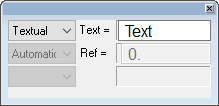
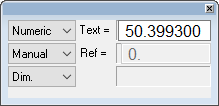
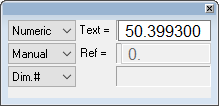
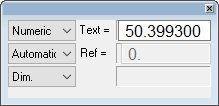
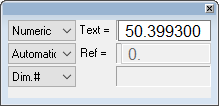
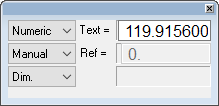
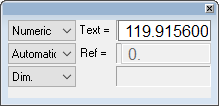
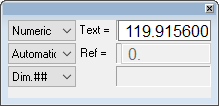
Dimension Parameter Examples
When selecting Manual, a line appears under the dimension to indicate that it does not reflect the true dimension of the selected entity.
|
Dimension Parameters (linear) |
|
Dimension Parameters (angular) |
||||||||||||||||||||
|
|
|