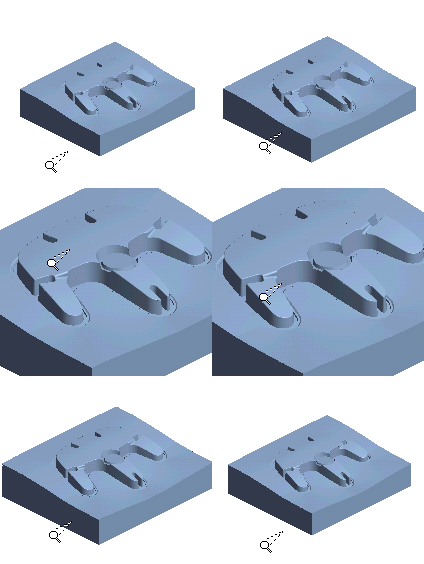
Zoom:
Menu + Mouse: Using the menu commands (View > ZPR > ZPR or View > ZPR > Zoom), keep the left mouse button pressed, move the cursor up to zoom in (increase the size) and down to zoom out (decrease the size).
Ctrl + Mouse: Zoom by pressing the Ctrl + Right Mouse button. Zoom as above; move the cursor up to zoom in and down to zoom out.
Mouse
Only: This "ZPR Mode" can be automatically invoked by
pressing the left mouse button for a predefined duration (this functionality
is defined in the Preferences).
When the ZPR Mode cursor  is displayed, zoom as above;
move the cursor up to zoom in
and down to zoom out. Exit the
ZPR Mode by pressing the Esc key
or the middle mouse button.
is displayed, zoom as above;
move the cursor up to zoom in
and down to zoom out. Exit the
ZPR Mode by pressing the Esc key
or the middle mouse button.