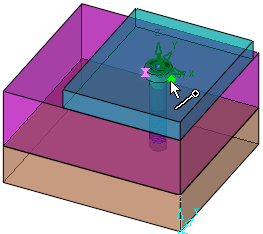
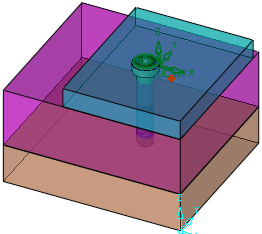
UCS Origin
Optional Step 2 
To set a new UCS origin for the component you are connecting, click the Optional Step button and pick a point.
Required Step 1
Select the face to be connected to a UCS..
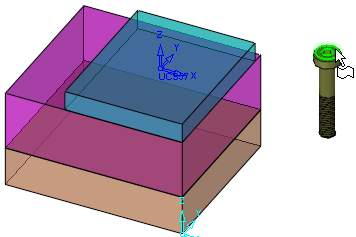
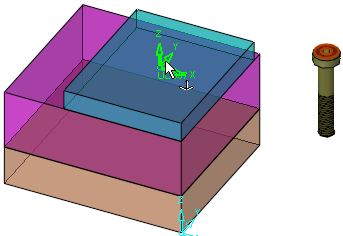
Required Step 2
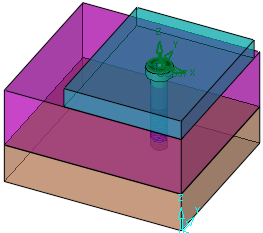
The face is connected:
Optional Step 2
Pick a point on the entity to be connected, to select a new UCS origin. The component is moved to the new UCS origin.