Cimatron Control Panel > Licensing


Access: Open this function from the following location:
-
Cimatron Control Panel: Select Start > All Programs > Cimatron > Cimatron Control Panel.
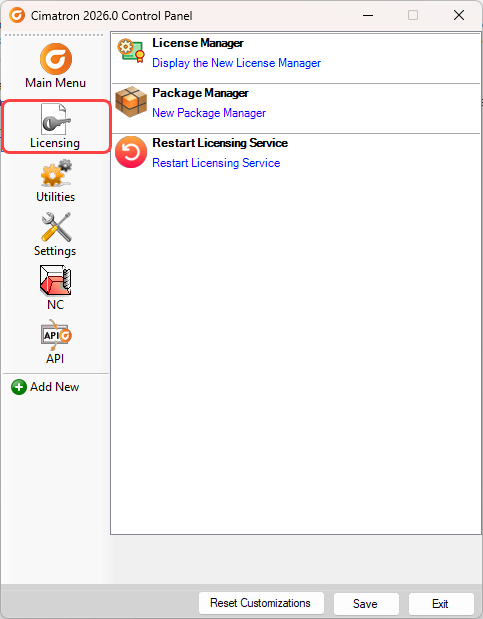
Select Licensing.
Run various license-related applications from the Licensing tab of the Cimatron Control Panel.
Open the Licensing tab of the Cimatron Control Panel.
Note: For additional information on licensing:
Contact your Provider or Reseller.
When you have finished using the Control Panel, select the appropriate approval option below.
Approval Options
The following options appear at the bottom of the Cimatron Control Panel:
Reset Customizations |
Reset all customizations to the Control Panel. This resets the Control Panel back to the default settings. |
Save |
Save all customizations. |
Exit |
Exit the Control Panel. If you have customized the Control Panel and pressed Exit before saving, you are prompted to save your changes before exiting. |
