Surface merge distance
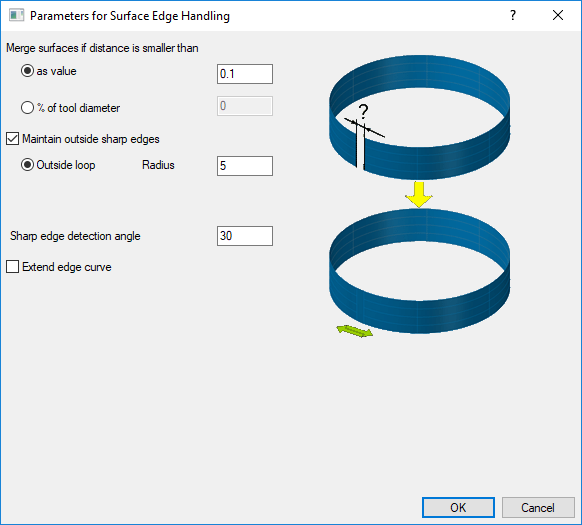
Surface paths are created on individual surfaces. Afterwards tool path segments are merged together to create longer surface paths. The decision about the merging is currently based on a merge distance. If all tool path segments on a tool path slice is merged, it is checked if a closed surface path can be built by connecting the start to the end. The same merge distance value is used for deciding this. So all surface paths that are within closer distance than this value will be merged together.
The main benefit is that tiny gaps or overlapping drive surfaces don't cause unexpected behavior in the tool path.
Note: The value that you will input at Merge surfaces if distance is smaller than should represents either the distance between the tool tips positions calculated or the distance between the tool edges. This means that if any of this two conditions will be satisfied first, the tool path will be merged.
The surface merge distance can be set as a fixed distance or the percentage of tool diameter.
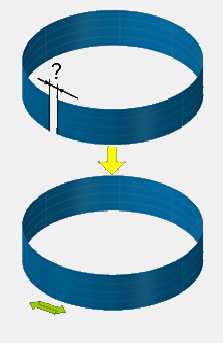
Maintain outside sharp corners
This option provides a way to cut over outlying edges to preserve the sharpness of the corners. So instead of rolling around the edge, the tool will extend the tool path of both corner surfaces. The connection of the extension is a loop. If a corner is a sharp corner will be distinct by a sharp edge detection angle.
Since the calculation is based on the tool tip, the selection of the value for radius must be compensated in case the tool will be tilted to the side. Especially during swarf milling, when the tool is tilted 90 deg. to the side. Here the loop radius must at least have the tool radius in order to be able to perform a loop.
The sharp edge detection angle must be entered as degree. The radius for the loop must be entered in a distance.
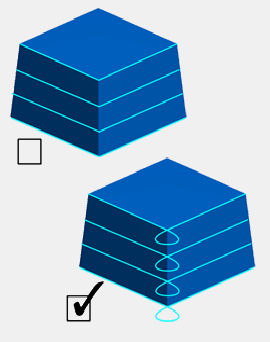
Extend Curves
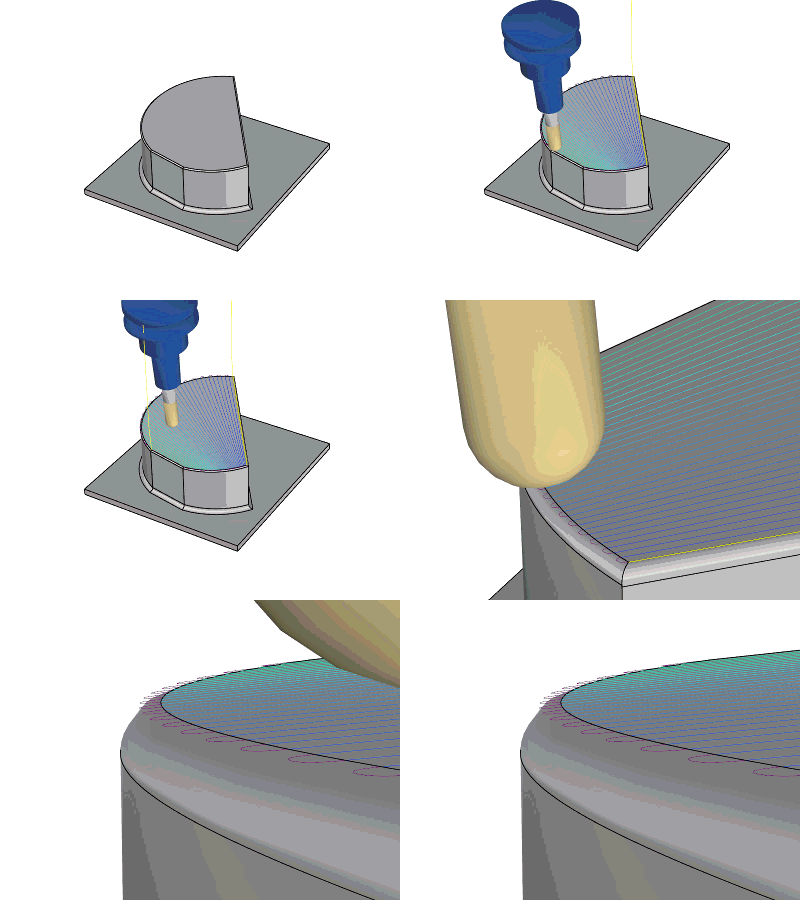
One effect of propagating a tool path from a curve is that the toolpath wraps around the open ends of the curve when the surface exceeds the curve's ends. Extending the leading curve helps to prevent this unwanted behavior. This function extends the curves tangentially to intersect the bounding box.
Main benefits:
-
Pattern looks better
-
No need to manually extend the curves.
More about this featureMore about this feature
User interface
You will find the option under Surface Path tab > Advanced.

Note: This animation shows a toolpath calculation based on parallel cuts with the 'extend edge curve' deactivated.

