Feed Rate Control
Surface radius based feed rate optimization
If this switch is set then the feed rate optimizer is utilized. The feed rate optimizer uses the machining feed rate supplied by the user and modifies this feed rate based on the surface curvature. The surface curvature is calculated at each tool path position where the surface contact point of the tool is known.
The arrays feed rate radius and feed rate factors describe the formula to decrease or increase the user given feed rate based on the curvature of the surface.
The following feed rate radius is always less or equal than the first one.
The values have to be greater than 0, this is the percentage of the user given feed rate. E.g. 100 means that %100 of the user given feed rate is utilized.
How it works
For every radius that is encountered by the algorithm the feed rate is calculated, if the radius is not exactly one that is specified in the settings then the algorithm make the adjustments in such way that the feed rate will correspond to the interval where the radius is according to the settings. To calculate this specific feed rate linear interpolation is applied.
Tool contact based feed rate optimization
Control the feed rate of the toolpath by the actual contact point of surface and tool.
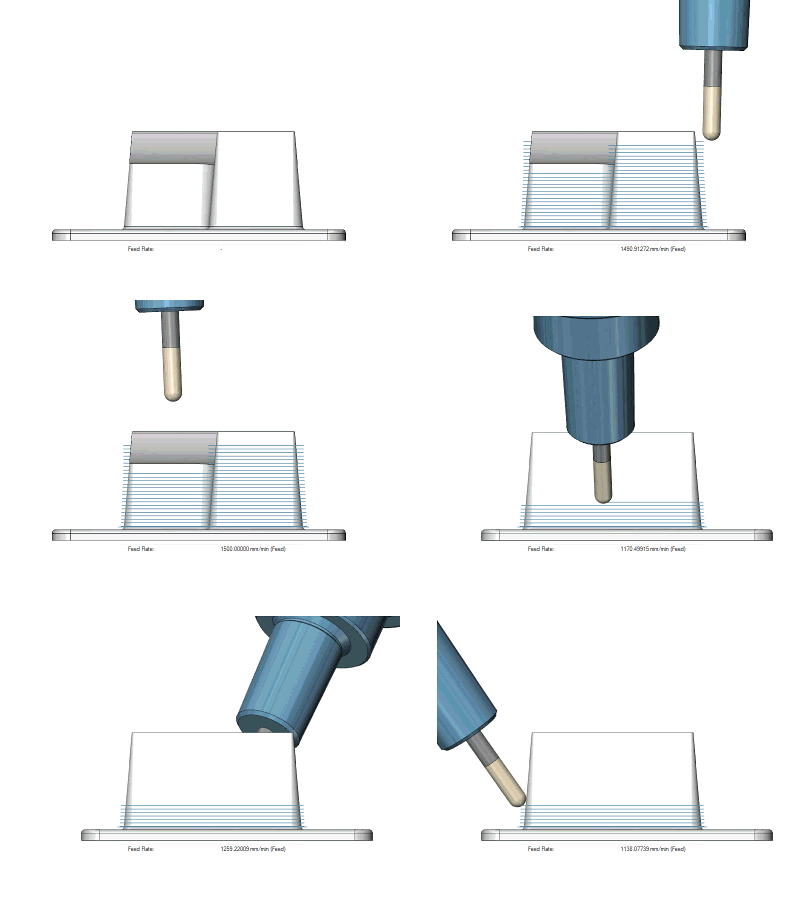
Feed control zone
With this option it is possible to define a volume that determines an area in which a different feed rate than the outside of this volume can be set. The animation shows that the area where the actual stock is located has a different feed rate.
Parameters
-
Geometry – Lets the user select the geometry from the Host CAD.
-
Offset – Sets an additional offset on the geometry in order to let the tool slow down before it enters the actual feed control geometry.
-
Inside/Outside feed rate % – This defines the feed rate inside and outside of the geometry as a percentage of the actual feed rate.
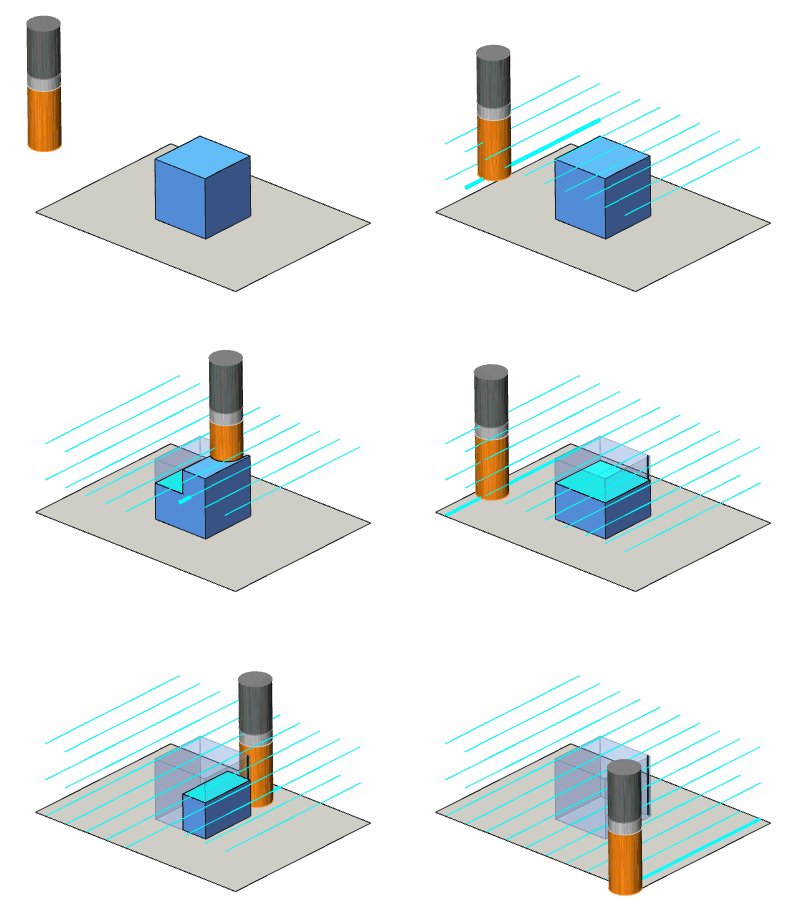
Use rapid feed rate
When this option is activated then all rapid motions (on clearance area and rapid distance) will be converted into a feed motion with the given value.
First cut feed rate percentage
This value defines the feed rate of the very first slice as percentage of the machining feed rate.
