Access Parameters
In this step, access parameters can be chosen within the available options.
For a detailed description about all these parameters, see Common Parameters for all machines.
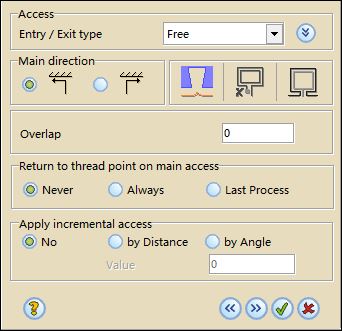
Access options
Click  to expand the access panels to select all the parameters in relation with the selected access option.
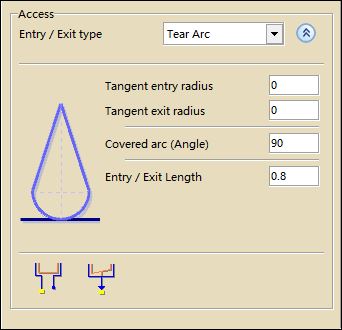
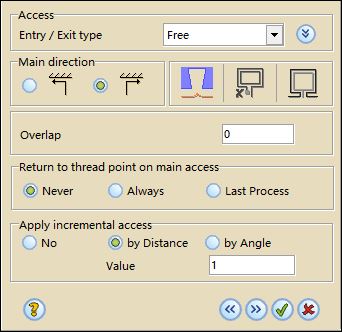
Apply incremental access
This option can only be defined using the Wizard and it is only available for dies, without remnant cut sequences, skimming inversion neither overlap.
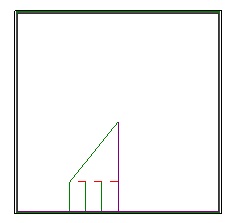
It allows to move the start point on the contour of the cutting process an increment specified as distance or as angle
For example:
Click  to go to the next step or
  to go to the previous step. If you want to exit from the Wizard, click
  .
.
