Step Template Selection
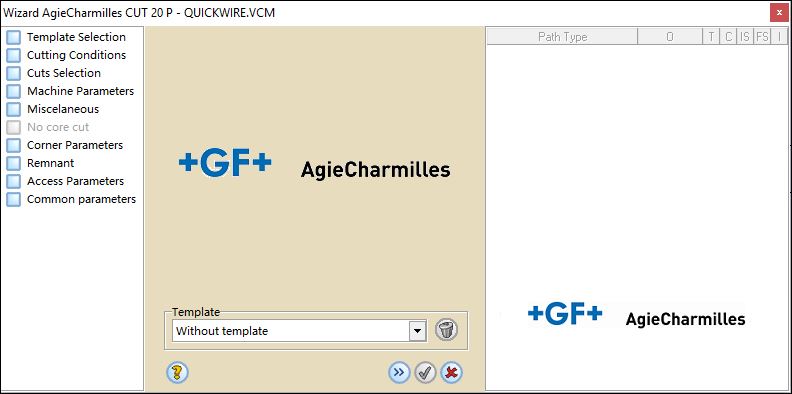
Using templates you will be able to keep different wizard configurations and use them in future jobs reducing a lot the programming time.
If you have templates created previously you will be able to recover them through the pull-down menu.
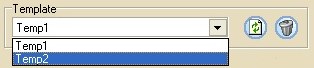
clicking  the configuration specified in the wizard
will be loaded and clicking
the configuration specified in the wizard
will be loaded and clicking  you will delete this
template.
you will delete this
template.
Once all the parameters are defined and/or the template is selected, click the  button to go to the next step or on
 to exit without saving the data.
To apply a loaded template and automatically generate the Cimatron processes, click on
 .
.
