Composite Face
Composite Face
- Open the cad_Part.elt file located in the following folder:
\\Cimatron_Documents\Tutorials\Cimatron_2025.0_Workfiles\Design
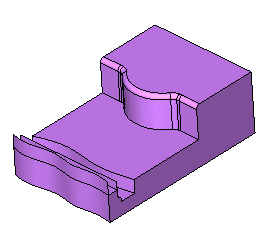
The composite face tool will now be used to create a single face from a sequence of smooth faces. - Select Faces > Modify Faces > Composite Face.
-
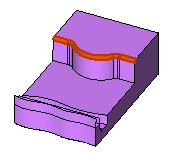
Select the faces shown in the picture below and Exit.
-
Rotate the part to the selected face.
Select the View / ZPR / Rotate to Plane option or click
 icon.
icon. -
Select the face indicated by the arrow in the picture below:
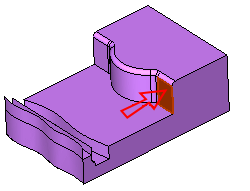
The plane/face you selected will become parallel to the display plane.
-
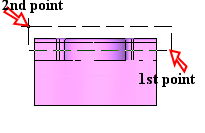
Drag a box from right to left (see the 1st and the 2nd points in the picture below). By selecting faces in this manner, only fully contained entities will be included
-
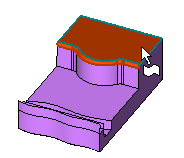
Pick the top face to exclude it from the selected group of faces.
-
- Accept the default parameters.
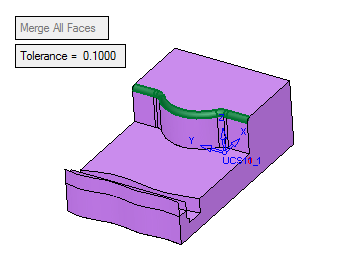
- Click OK.