Extend and Trim
Extension
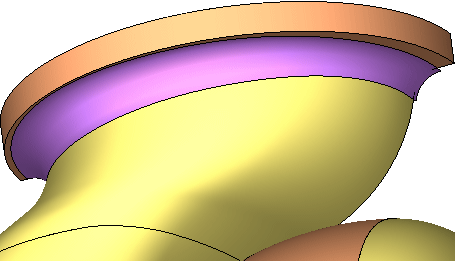
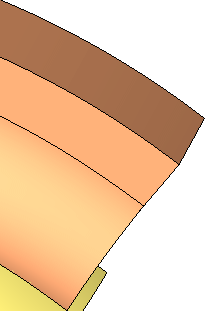
The fillet will now be extended and trimmed so that it covers the area circled below with Trim.
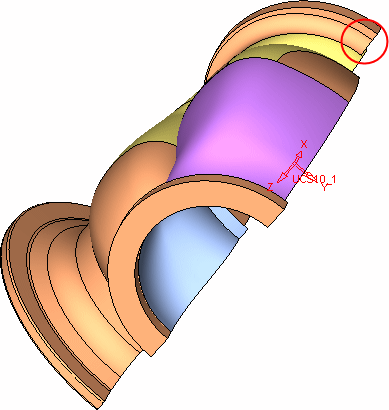
- Edit the last Fillet feature in the tree.
- Change the Don't Extend option to Extend and set the parameters as shown in the picture below. You can also use the Trim option to trim the faces. However, we will use the Trim option later on, separately, to learn this option.
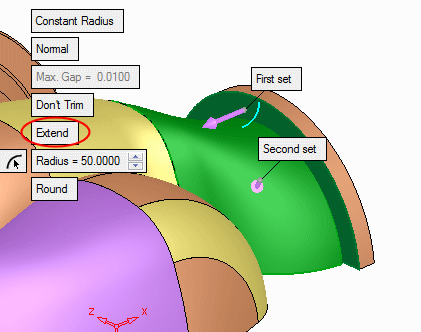
- Click OK in the Feature Guide.
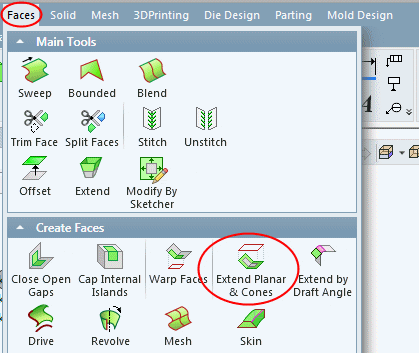
-
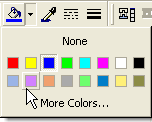
Change the color of the fillet to purplepurple.