Face Corner
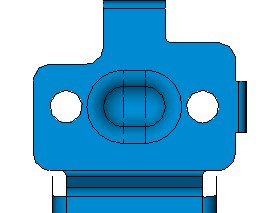
The Round Corner function enables you to add corners (round) to faces on sharp corners (free edges) of a skinned object.
We'll now use the Face Corner option to round some corners.
-
Click Die Design Guide > Face > Modify Faces > Round Corner.
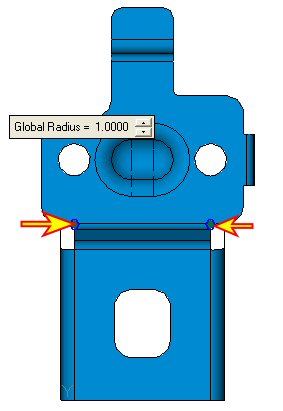
Select the two corners as indicated in the following image:
-
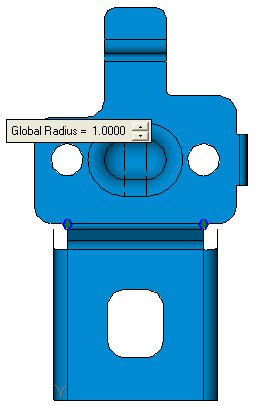
Set the Global Radius Value to 1 as shown below and click OK.