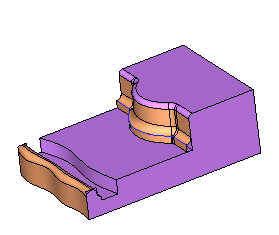
Fillet 3 Faces
Fillet 3 Faces
A fillet face tangent to three groups of faces will now be created as follows:
- From the Face menu, select the Create Faces > Fillet - 3 Faces option.
- Select the 1st face (set) and Exit. Select the middle face and Exit.
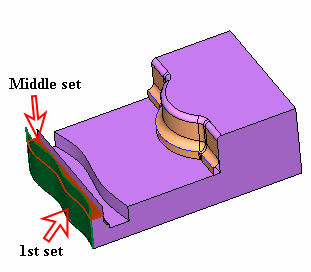
- For the 3rd set, select the face indicated by the arrow in the picture below:
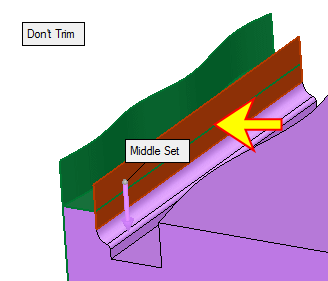
- Toggle the Don't Trim option to Trim. Flip the arrow direction.
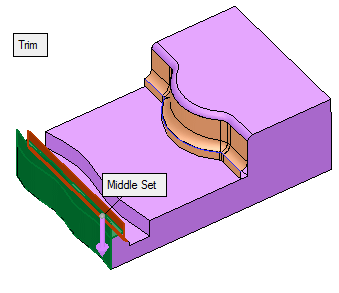
- Click OK.