Fillet
Select Faces
A round surface will now be created between two groups of faces.
- Select Faces > Create Faces > Fillet.
- Select the first face shown below:
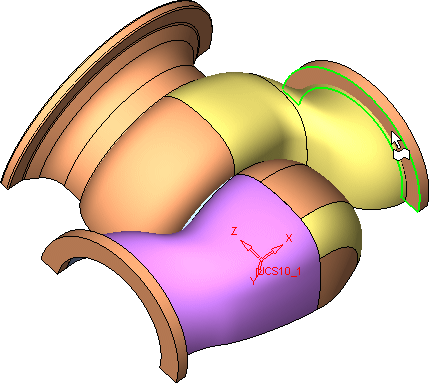
- Accept this face by clicking the Middle Mouse Button.
- Now select the second face.
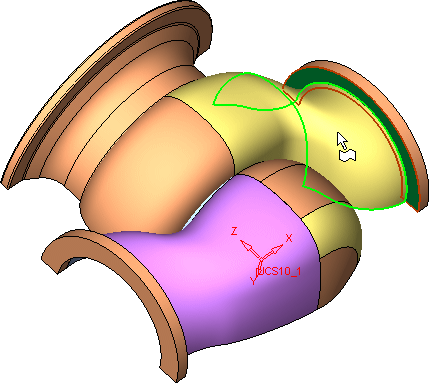
- AcceptAccept this face.