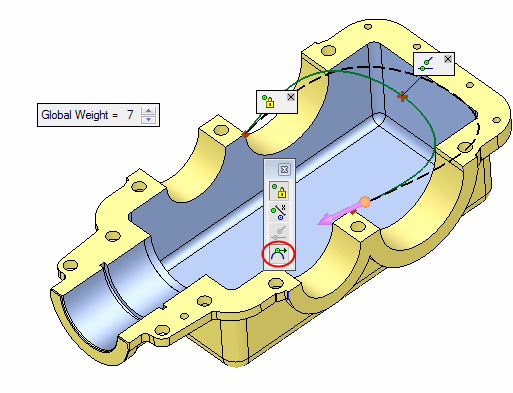
Modify
Slope
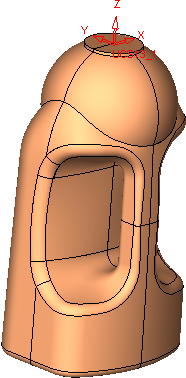
We will now modify the slope of the marked edge below in order to improve its smoothness.
- Open the Bottle.elt file located in the following folder:
\\Cimatron_Documents\Tutorials\Cimatron_2025.0_Workfiles\Design - Select Faces > Modify Faces > Slope and select the face shown below:
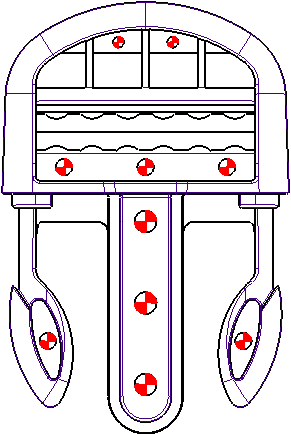
- Select the edge as shown herehere and set the Tangent-C1 constraint:
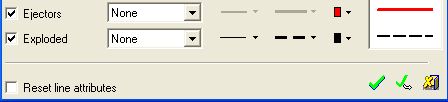
- Select the adjacent face (the slope will be tangent to this face).
- Click Apply in the Feature Guide.
- Repeat the above steps on the other side of the bottle.