Trim/Split
Trim - Step 1
The faces by the boundaries of the fillet will now be trimmed.
- Select Faces > Main Tools > Trim Face.
-
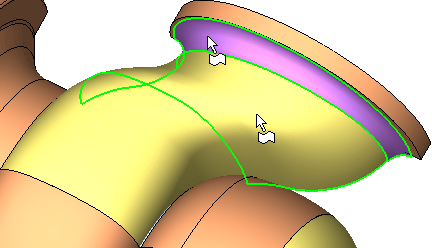
On the face indicated, select the area to the left of the Purple face (the area remaining after the trim operation).
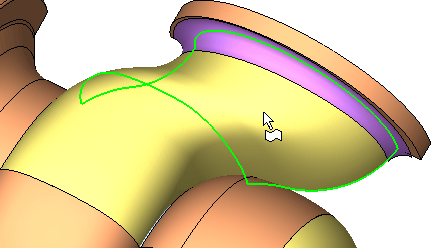
The trimming direction is determined by the selection area on the face (by default the picked side remains).
Multiple faces can be trimmed or split with a contour. - AcceptAccept this face.
-
Select the following Trimming geometry.
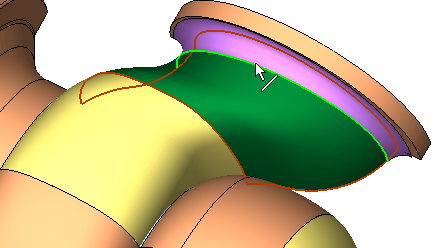
To simplify curve selection, deselect the Filter Faces buttonFilter Faces button
 and/or enter Wireframe modeWireframe mode
 .
. - Click Apply in the Feature Guide.