Offline Activation

You require a live internet connection to automatically activate an EID. 

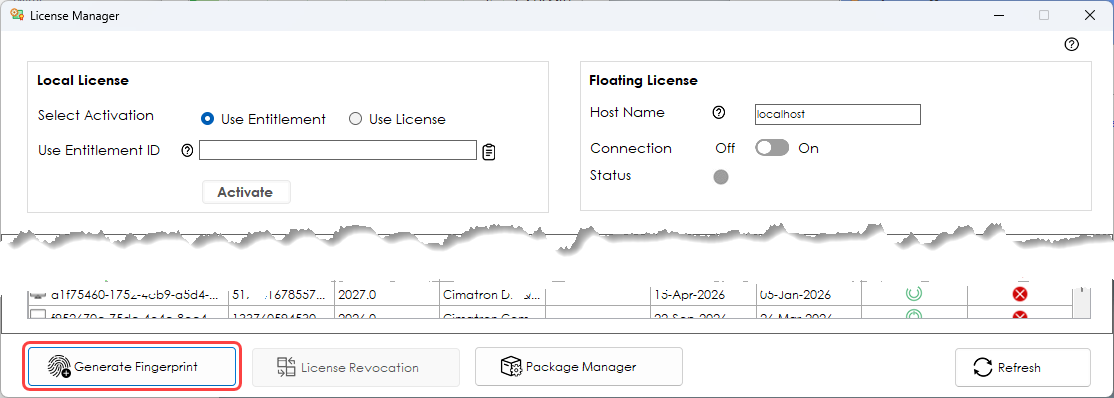
If you do not have a live connection, you must generate a fingerprint file that identifies your system, and send that to your Cimatron Administrator. They can then create a license file that can be imported back into your system to enable your purchased features.

  1. Open the License Manager.

  2. Click Generate Fingerprint. 

  3. Select a location to save the Fingerprint file.

  4. Send the Fingerprint file to your Cimatron Administrator who will return a Cimatron License File. Save the file to a known location.

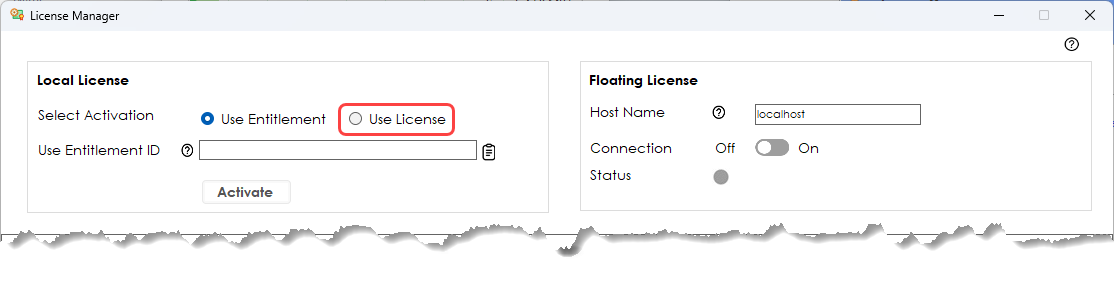
  5. Open the License Manager. In the Local License pane, click Use License.
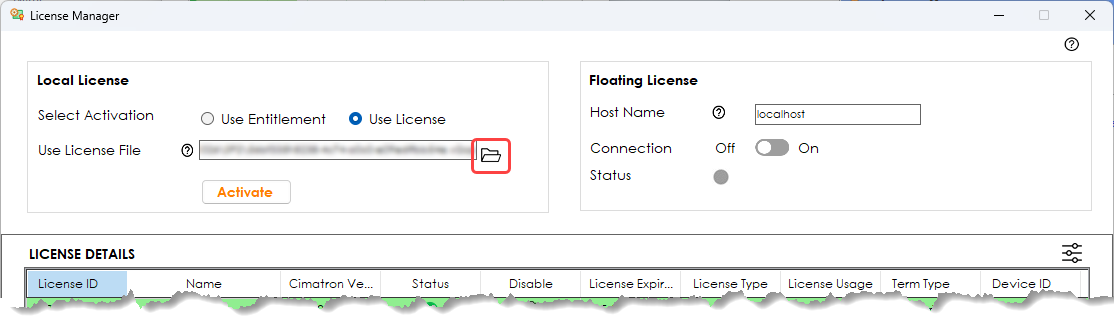
  6. Navigate to your saved license file and select it.
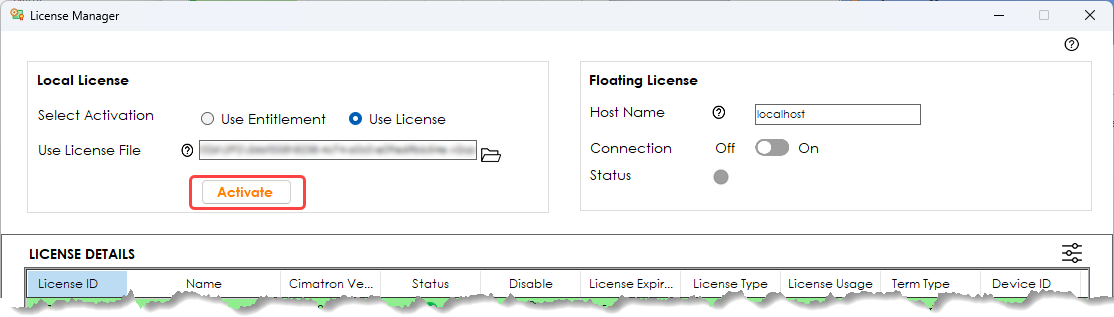
  7. Click Activate.