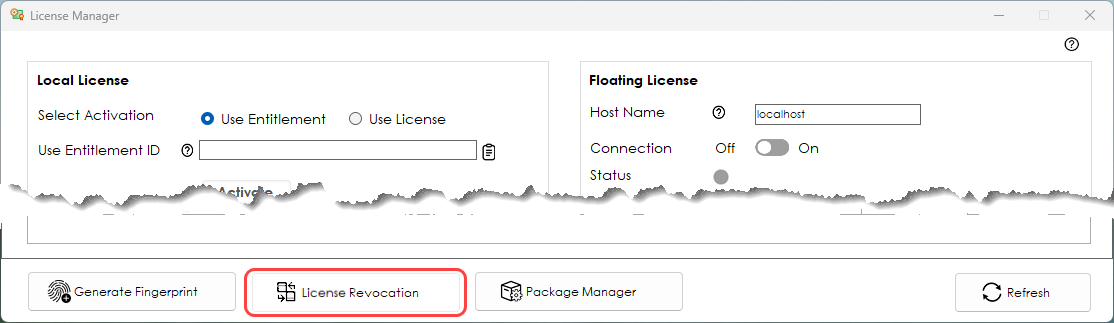
In the License Manager, revoke the license on the machine that was using it. Click the License Revocation button and select the License.
Reactivate the license on the destination machine using the Entitlement ID.
Use the License Manager to move licenses between Cimatron PCs.
Connect the dongle to the Cimatron PC, open the License Manager on the Cimatron PC that the dongle is connected to (with the correct version of Cimatron software installed on it) and click Activate; The licensed Cimatron features will be available.
Use the License Manager to revoke the license on the Cimatron PC where it was activated. The revoked license can then be reactivated by using the Entitlement ID on another computer.
In the License Manager, revoke the license on the machine that was using it. Click the License Revocation button and select the License.
Reactivate the license on the destination machine using the Entitlement ID.
Floating licenses reside on a License Server and can be used by any Cimatron PC connected to the License Server's network. You can only move the Floating Licenses to a new License Server.