Extension
Minimum Distance
-
Click Electrode Guide > Extension.
-
Change the Tangent option to Direction and the Length Option to Minimum Distance.
-
Assign a value of 3 for the Minimum Distance.
Click the arrows in the Minimum Distance dialog to see a preview of the final result.
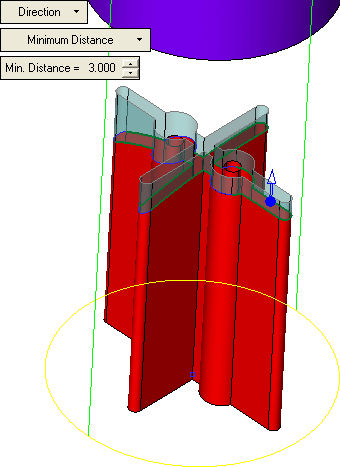
-
Click Apply in the Feature Guide.
