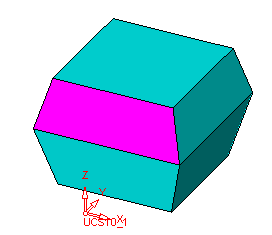
|
|
Faces - Activate - Step 4
-
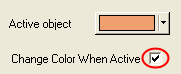
Select the Change Color When ActiveChange Color When Active checkbox in the Preferences Editor.
-
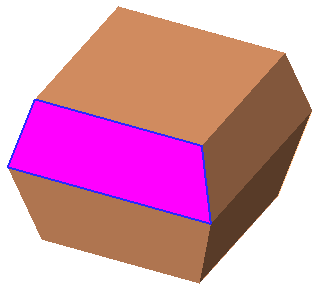
Activate the object.
-
Select Faces > Main Tools > Stitch and add the blend face to the active object.
-
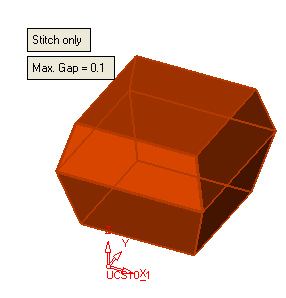
There are now no open edges. Deactivate the object.