|
|
Analyze
The tolerant object will now be examined.
-
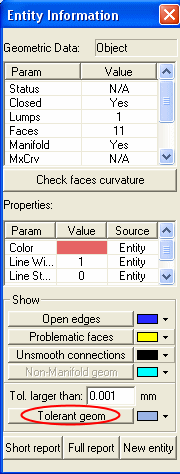
Select Analyze > Tools > Entity Information.
-
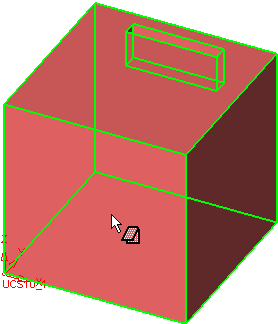
Select the entire Object.
-
Click the Tolerant GeometryTolerant Geometry button.
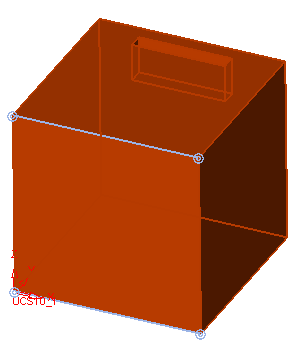
The system detects two tolerant vertices. Zoom-in to the vertices end areas and notice the gap.
Click here for more on the Tolerant Stitch process.


