Step 4 - Extrude
Angled Face
- Using the face as the sketching plane, create the following sketch:
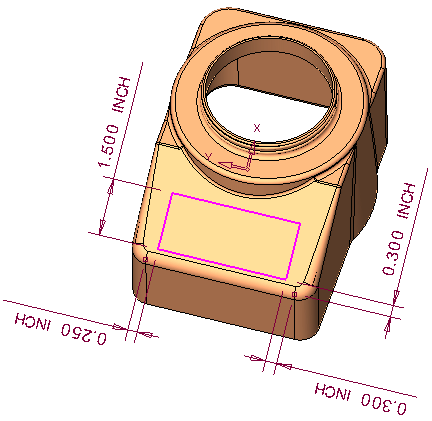
Click herehere for a closer look at the reference points used.
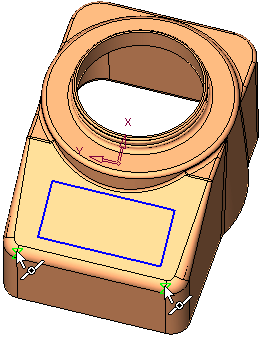
- Remove extrude to a depth of 0.015 in the -Z direction.
- Click Solid > Main Tools > Taper.
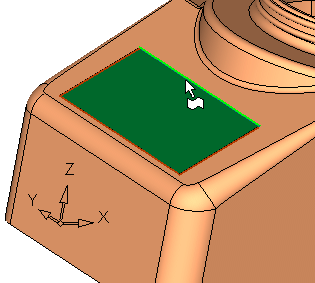
- Select the face below as the neutral plane:
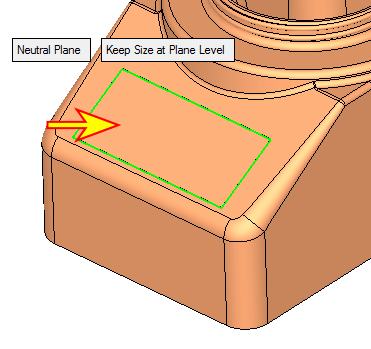
- Select the face below as the face to be tapered:
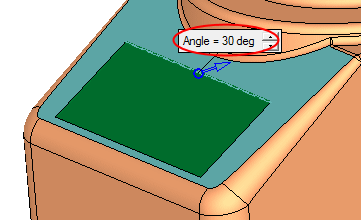
- Enter the following parameter: