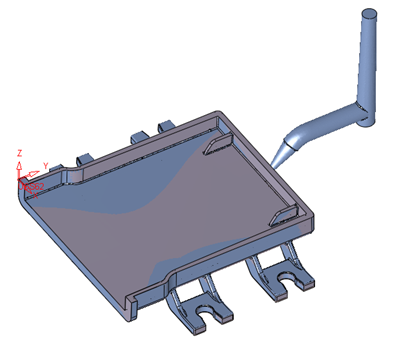
Auto Alignment of an Object to Another Object
A new tool that allows auto alignment between 2 similar objects (B-rep and Mesh) to help warpage compensation.
For compensation, the scan data needs to match with the original object, and this tool can help to achieve that.
Auto Alignment of an Object to Another Object Step 1
-
Load the part, Demo Compensation-Aligned.elt.
-
Click Solid > Warp > Auto Alignment (the tool may also be found under the Die menu).
-
Pick the object that you want to align.
-
Pick the reference object.
In this case, because of the extra Runner in the mesh object, the calculation will not produce correct results.
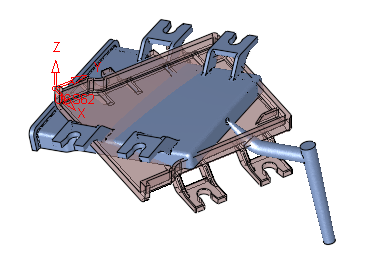
Therefore, in OPT1, select all the facets except those belonging to the Runner.
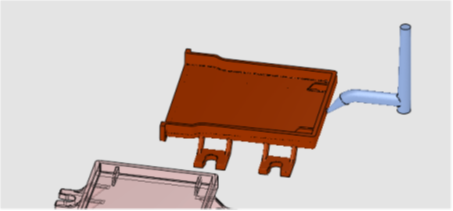
The result will be perfect.