Step 1 - Bend
Bending an object (or several objects) with reference to a given axis by specified angles.
-
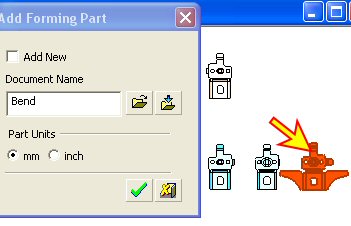
Add a new forming shape. Select the previously created forming shape and name it Bend.
-
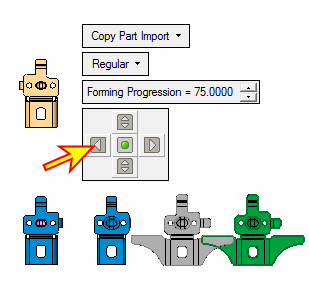
Relocate the part by placing it before the Unfold part.
-
Note that the distance between the forming shapes is too small.
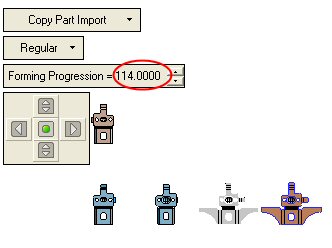
Enlarge it to 114 (this number has no meaning, we just want to spread the forming shapes apart) as shown below:
-
Click OK.
