|
|
Blend Faces
Complex Sections - Step 1
- Open the Blend.elt file located in the following folder:
\\Cimatron_Documents\Tutorials\Cimatron_2025.0_Workfiles\Design
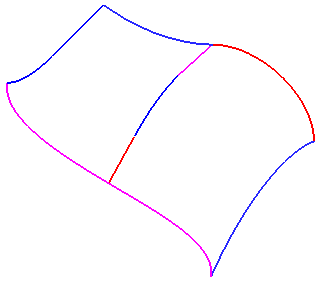
- Select Faces > Main Tools > Blend.
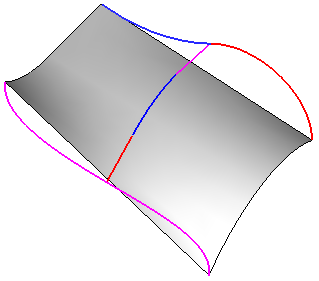
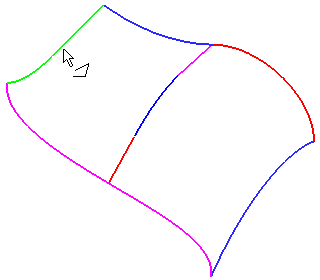
- For the first section, select the composite curve shown below. This curve comprises 2 simple curves.
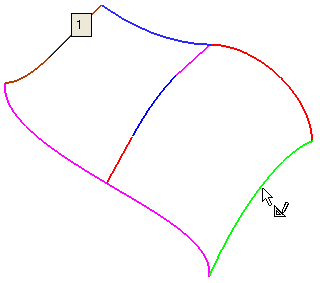
- For the second section, select the simple sketch.
- Click OK in the Blend Feature Guide.