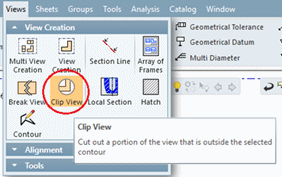
Clipped View
Clipped View Step 1
Views can be clipped using the Clip View tool. A Contour must first be defined and then selected as input for the Clip View tool, defining the boundaries of the clipping (similar to the Local Section tool).
A clip view is created as a child of the original view; Deleting it will reverse the clipping operation.
- Unpack Drafting in 15.ctf and open the file, Drafting in 15.elt.
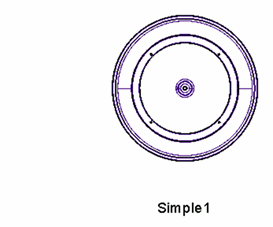
- Use the Views > Contour tool and create a contour as shown below:
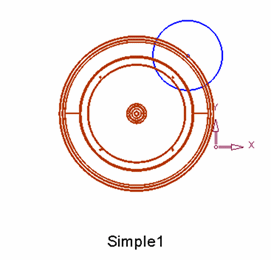
- From the Views menu, pick Clip View.