|
|


Complete the Local Parting Faces for the Core and Slider
-
Show only the pink set.
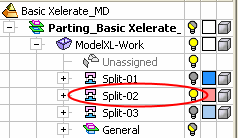
-
Unstitch the faces.
-
Ensure that the local part is active.
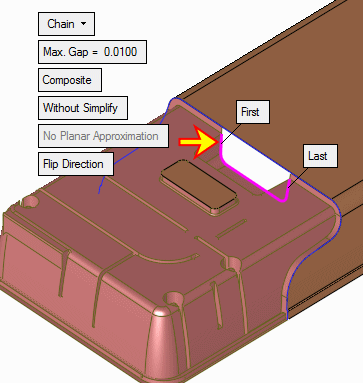
Create a composite curve as indicated in the following image:
-
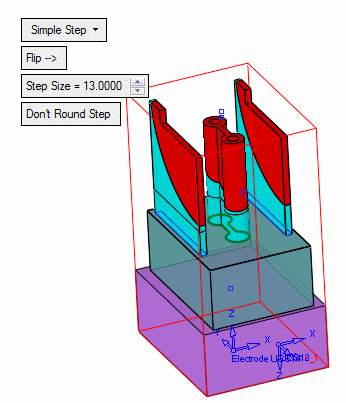
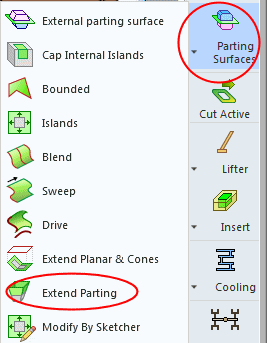
Click Parting Surfaces > Extend PartingParting Surfaces > Extend Parting.
Click OK.
-
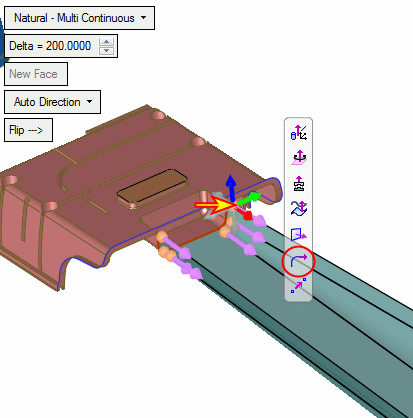
Fix the arrow direction.
Select the arrow base and click Tangent to Curve.
-
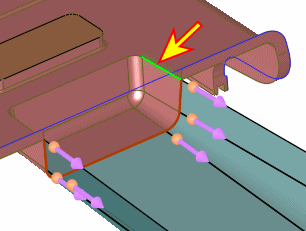
Select the edge as indicated by the arrow in the following image:
-
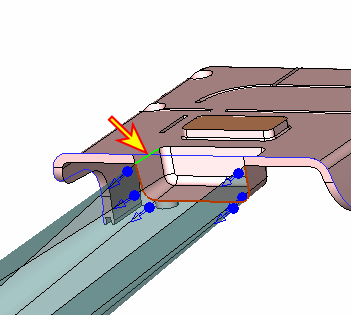
Repeat the same operation on the other side.
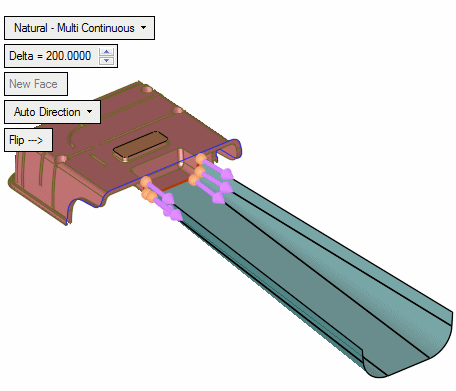
-
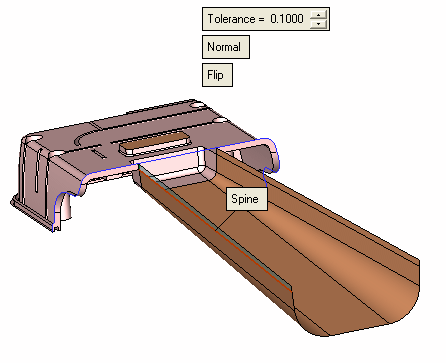
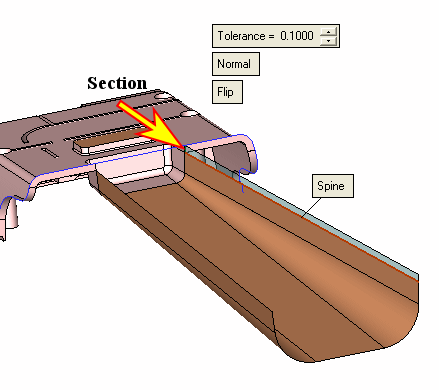
Create a drive face.
Select the edge indicated by the arrow below as the section.
Select the edge of the parting face as the spine and click Apply.
-
Create another drive at the second side. Click OK.