Step 2 - Shell
Corner Rounds
- Open the Round function by either right-clicking the mouse and choosing RoundRound or clicking Solid > Main Tools > Round.
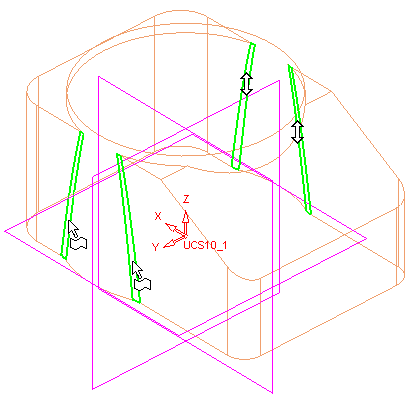
- At the rear corners of the blender, apply the following rounds with a Global value of 0.8.
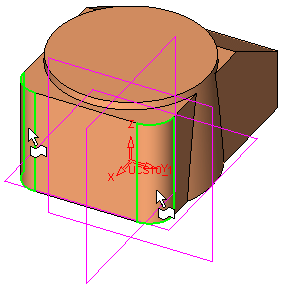
- At the front corners of the blender, apply the following rounds with a Global value of 0.5.
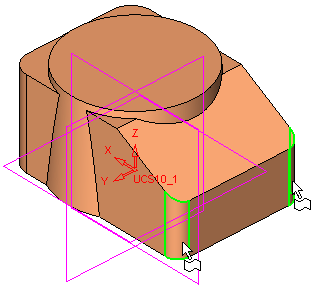
- Finally, apply rounds with a Global value of 0.5 to the edges where the cylinder intersects the side walls of the blender.