NC Process Management
Create a Part
Part is a 3-axis procedure used to represent the final product of the designed part. The part procedure is used both by the Verifier and the Machine Simulator.
 Load the supplied Getting Started in NC_NC.elt file.
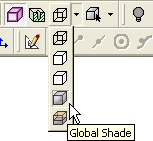
From the Icons toolbar select the Global ShadeGlobal Shade render mode.
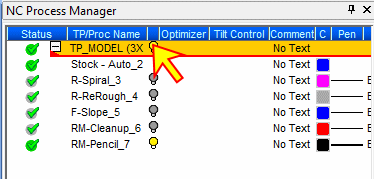
Highlight the toolpath in the NC Process Manager.
From the NC toolbar, select the Part icon.

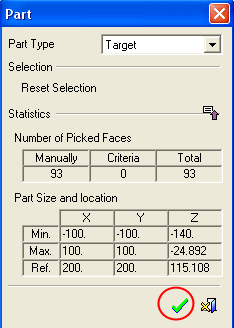
Accept the default Target part type.
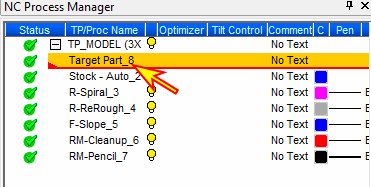
 The part appears in the NC Process Manager below the previously highlighted feature.