NC Procedures
Create a Refine Rough Procedure
We will now refine the rough shape and bring it closer to the user's offset value.
-
From the NC toolbar, clickProcedureProcedure
 .
. -
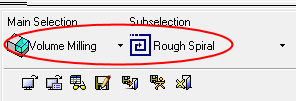
Set the procedure type to Rough Spiral.
-
Click the Preferred Values & LookPreferred Values & Look button.
-
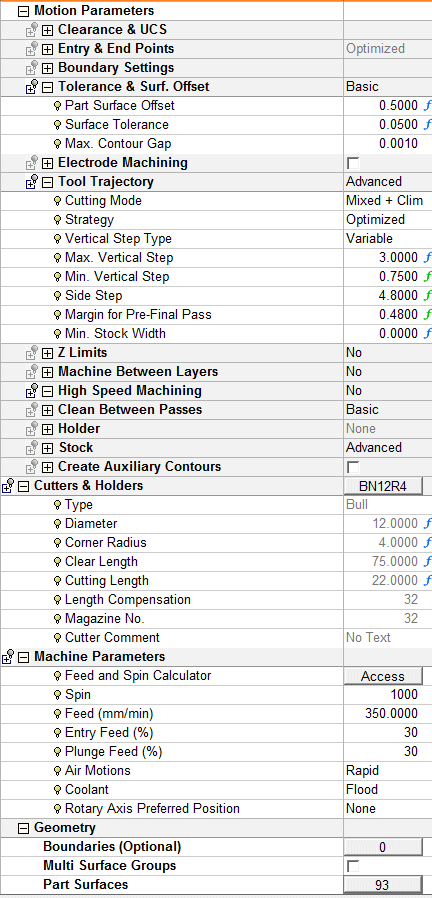
Change the cutter to BN12R4 and set the parameters shown in the following image:
-
Save & calculateSave & calculate the procedure.

-
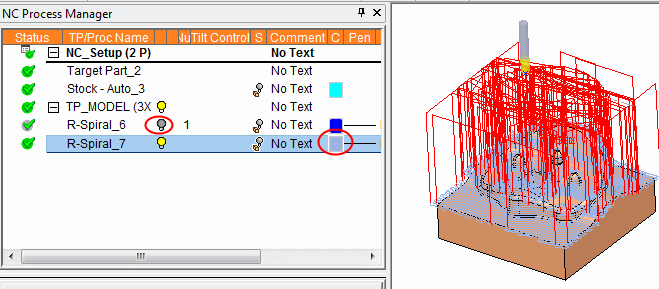
Hide the rough toolpath and change the color of the rerough toolpath.