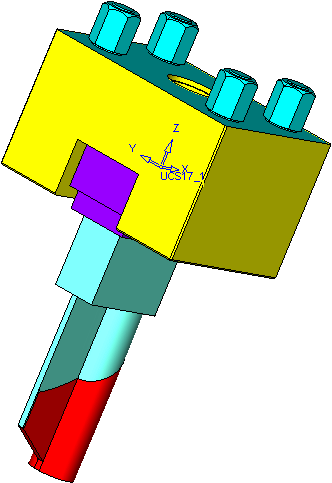
Add Electrode
Creation
-
Create the following electrode:
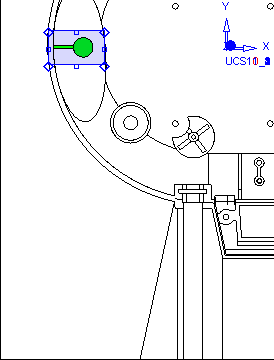
-
Create the Blank (suitable for Holder 6.elt located in the following folder) and Electrode UCS for the electrode.
Open the Holder 6.elt file and measure the relevant dimensions in order to determine which blank parameters to set.
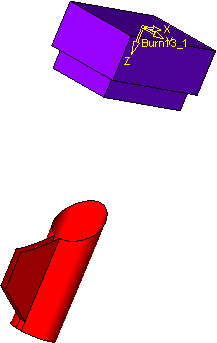
-
Click the Auto Contour button and create the first extension with a filler face, using the following parameters:
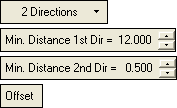
-
Create the second extension with a Simple Step of 1.5.
-
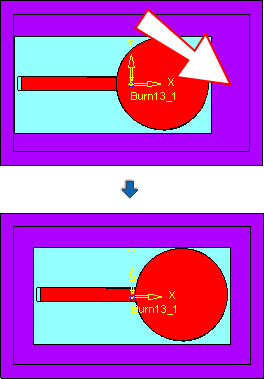
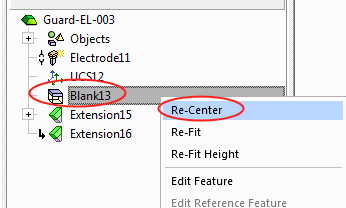
Right-click on the Blank Feature in the Features Tree and select Re-CenterRe-Center.
-
Add the Holder 6.elt file.