|
|
Drive
-
Select Solid > Creation > Drive.
-
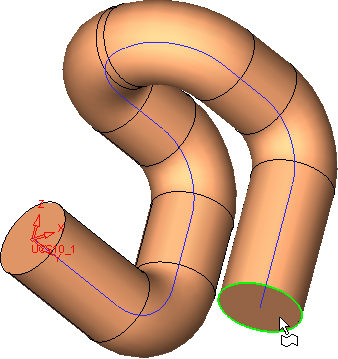
First, pick the circle as the Section, and then pick the composite curve as the Spine.
-
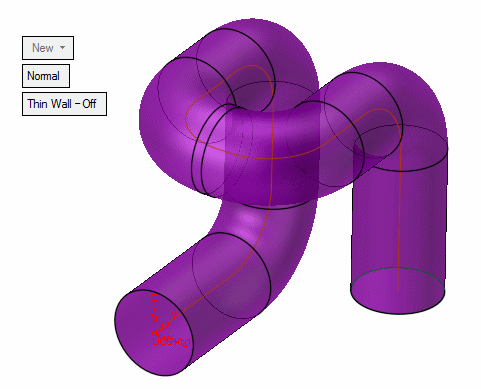
Ensure that the object is activated. Pick the object, right-click, and select Activate Object.
-
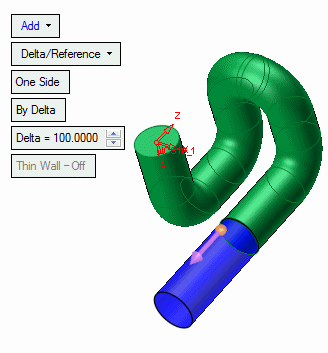
Add an extrude to the drive with a delta of 100. Select Extrude and pick the face shown below here to create the extrude.