Groups
External View
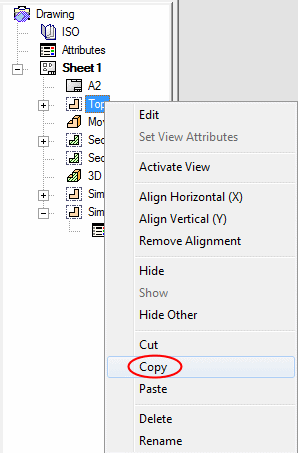
- Right-click on the Top view in the Drawing tree and select Copy.
- Open a New Drafting File.
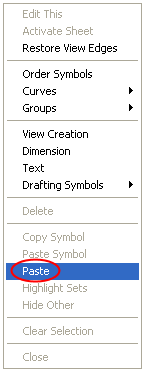
- In the display area, right-click and click pastepaste.
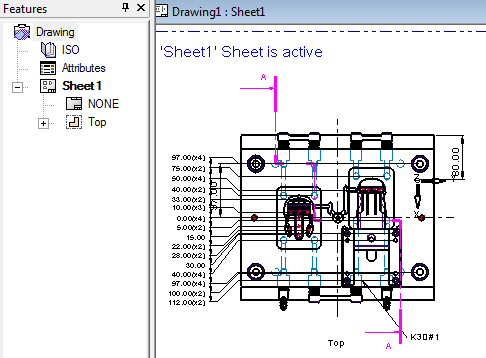
The view has now been copied to another drafting document.
This view requires that the same model is used to create the original drafting document.
