|
|
Extrude
-
Create a New Part File.
-
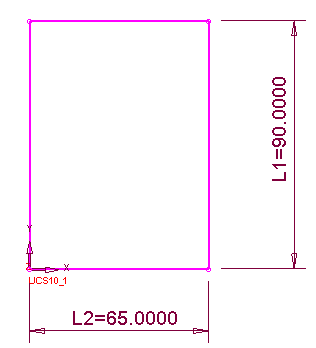
Open the Sketcher and draw the following sketch:
-
Select OK to exit the Sketcher.
-
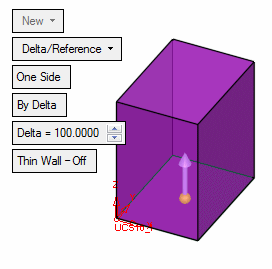
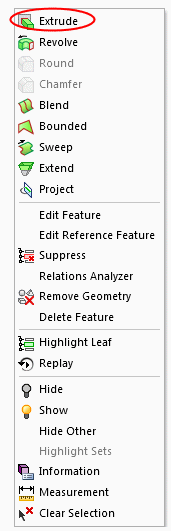
Create the following Extrude by either pressing the Right Mouse Button and selecting ExtrudeExtrude, selecting the relevant icon from the toolbar, or selecting Solid > Extrude from the menu.
-
Accept the default parameters and select OK.


