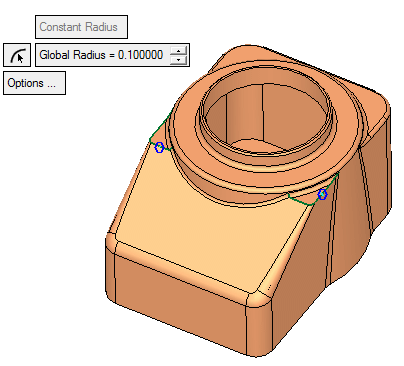
Step 3 - Drive
Finish Rounds
- Apply a round of 0.125 to the following three edges:
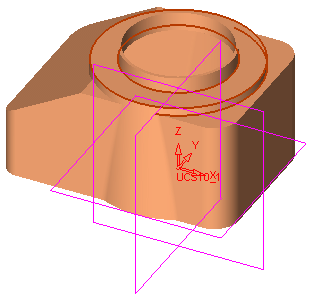
Click ApplyApply
 in the Feature Guide instead of clicking OK and re-entering.
 - Apply a round of 0.1 to the following edge:
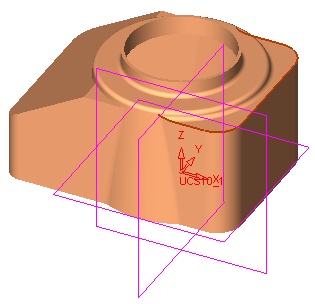
The screen now appears as follows:
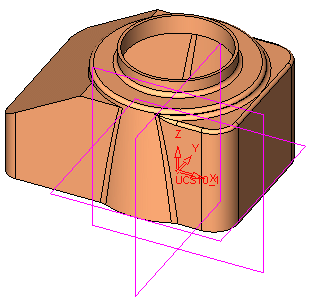
- Pick the following three edges and assign a global radius of 0.1.
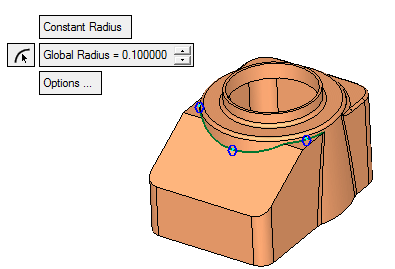
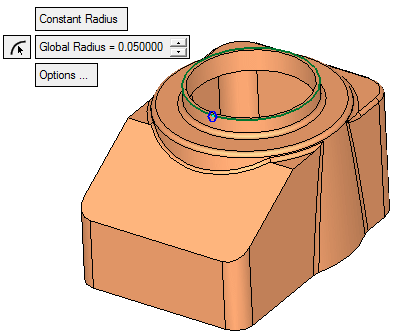
- Assign a value of 0.05 to the round on the outer edge of the circle below:
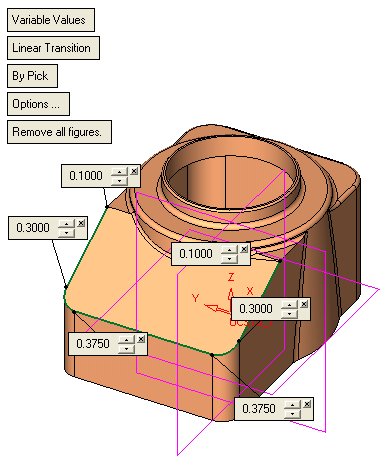
- Pick an upper edge at the front end of the blender and assign the following variable rounds:
- Finally, assign a global radius value of 0.1 to the following edges: