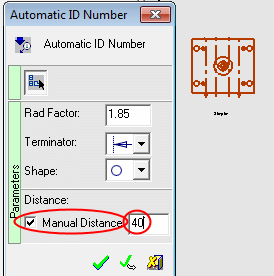
ID Number - Step 1
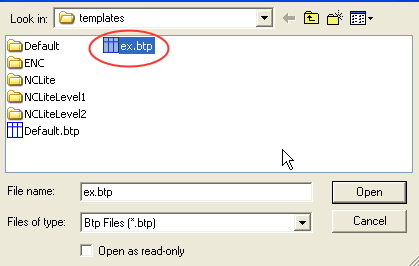
- Load the ex.btp template.
- Select the Automatic ID Number iconAutomatic ID Number icon
 .
. - Select the M-viewM-view and set the following parameters in the Automatic ID Number dialog.
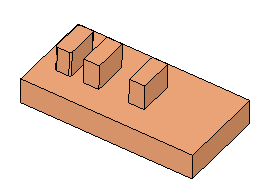
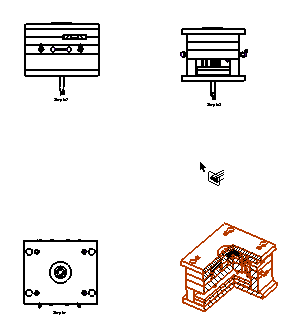
- Apply the same parameters to the other views apart from the Top view. For the Top view, use the Manual Distance option and set the value to 40.