View Creation
Local Section
A local section will now be created.
- Click the Contour buttonContour button
 .
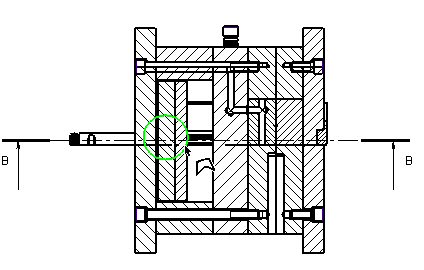
. - Zoom-in to the left sideleft side of Section A-A. Click on the view and create the contour shown below:
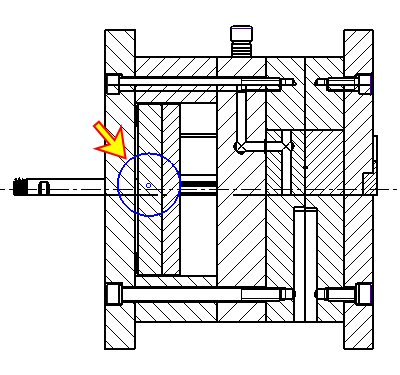
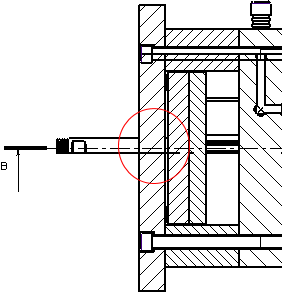
- Exit the Sketcher.
- Click the Local Section buttonLocal Section button
 and select the contour created.
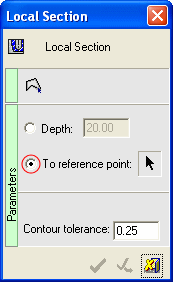
- Select To Reference Point from the Local Section dialog box.
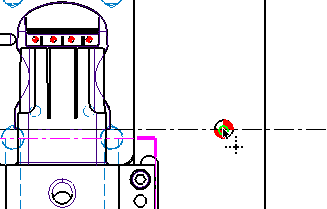
- Pick the reference point from the right of the Top view.
- Click OK in the dialog box.
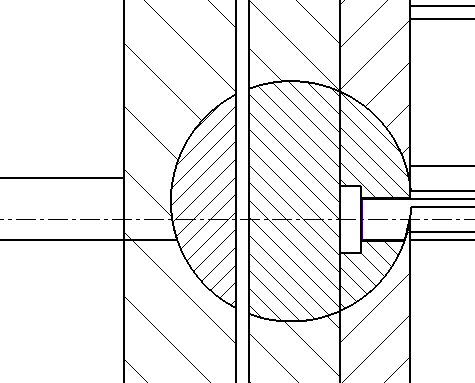
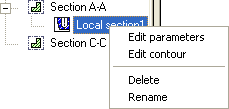
Various editing optionsediting options are available within the Local Section feature.