|
|
Navigator By Pass Display - Step 1
-
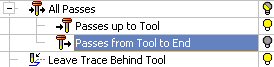
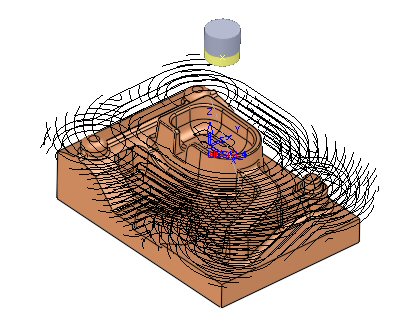
Turn on Passes Up To Tool.

Note that all passes from the beginning of the toolpath up to the Tool location pass are displayed.
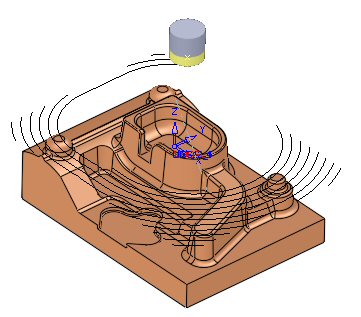
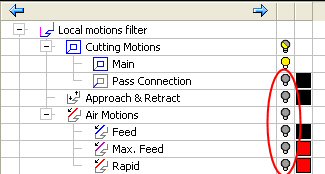
All pass motions up to the tool are displayed, except for the motion types that are currently hidden (air motions, approach and retracts, and pass connections).
-
Turn on Passes From Tool To End.
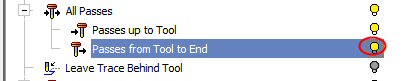
All passes from the tool to the end of the toolpath are also displayed.
-
Turn off Passes from Tool to End.