Step 1 - Solid Building
New Part
-
Open a New Part File in inches.
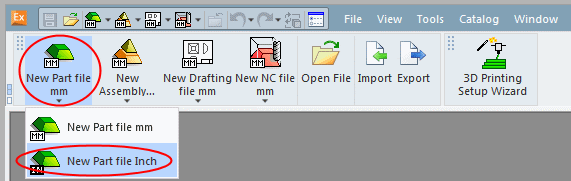
-
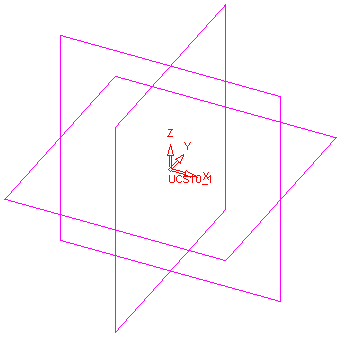
Create main planes and use the default UCS as the coordinate system.
-
Select WireFrame > Datum > Plane > Main Planes.
-
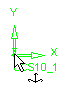
Pick the UCS shown below:
-
Click OK
 from the Feature Guide.
-
