Analyze
Parting Setup
-
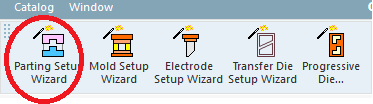
OpenOpen the Parting Setup Wizard, and select the Master Motorcycle.elt part file located in the following folder:
-
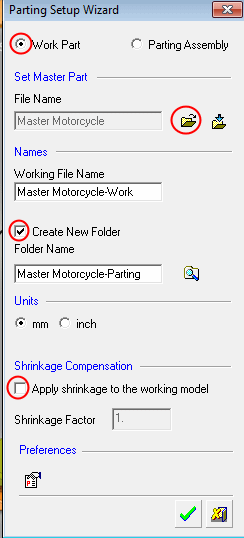
Set the following options:
-
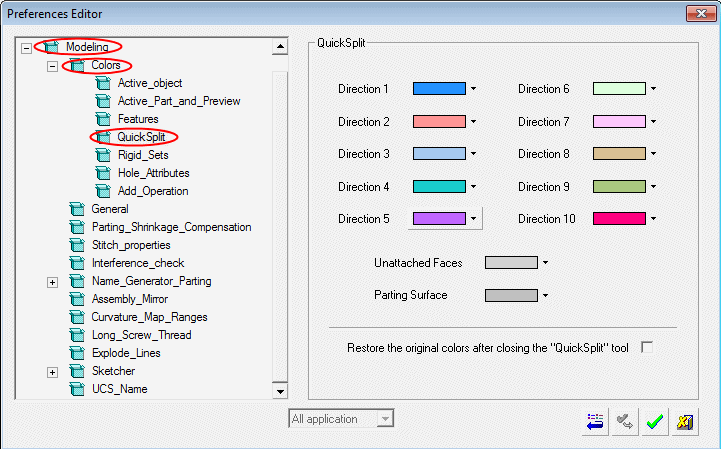
Select Tools > Main Tools > PreferencesPreferences and view the Part > Colors > QuickSplit preferences.
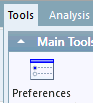
QuickSplit set colors can be defined through the Preferences Editor.
-
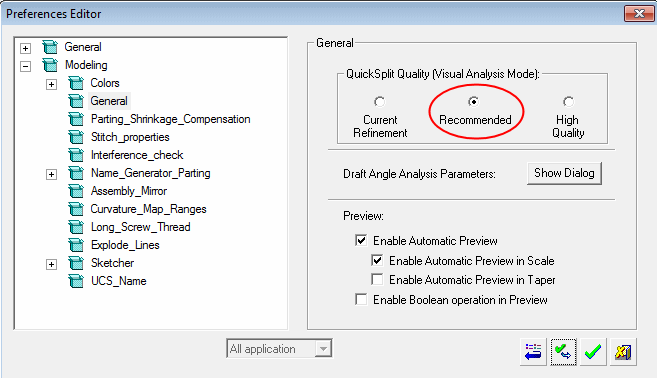
In the Preferences Editor, select Modeling > General > QuickSplit Quality and verify that Recommended is selected.
-
Click OK in the Preferences Editor and in the Parting Setup Wizard.
