|
|
The options available in the Preview are dynamically changed according to the procedure type. For example, pocket and layers are not shown in the Surface Milling, Cleanup, or Pencil procedures.
-
Turn off all bulbs except for the Restore Original Colors bulb. Turn on the Pocket option.
-
Change to Top view.
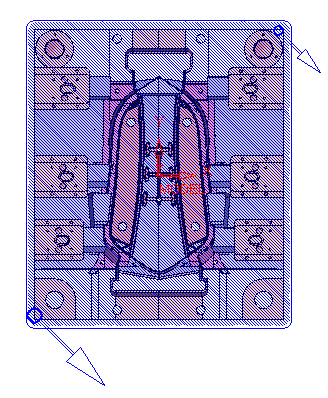
Pocket and layers are schematic - This means they do not show the exact look of the pattern.
- Pocket: Does not include S-connection, CBP, round corners, ridges, and true spiral.
- Layers: Do not include variable down step, between layers, or hit horizontal planes.
-
Change the color of the Pocket preview.

-
Change to ISO view.
-
Change the following parameters:
- Strategy procedure to Rough Spiral
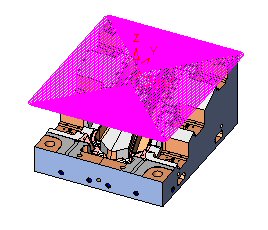
- Side step to 0.8*tldi
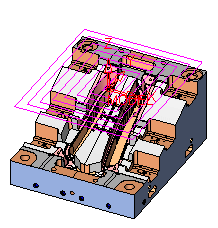
- Strategy procedure to Rough Spiral
-
Change the strategy to Rough Parallel and the Milling angle value to 30.
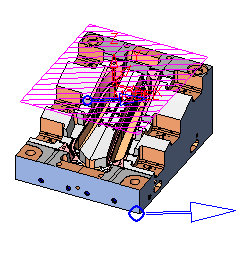
-
Change the strategy back to Rough Spiral.


