Advanced Template
Preparing a Template
-
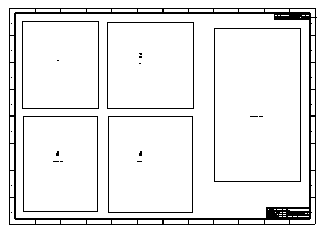
Open the Drawingtemplate.elt file. This is a drawing of a screw which includes 5 views.
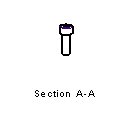
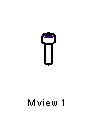
Section A-A is not a real section but just a name that was given to an ISO view. This also applies to Mview1 and the exploded view, which were not created as M-View/Explode View in the model but are just names of simple views.
- SaveSave the sheet as a template. Name the template: Template_tutorial.
