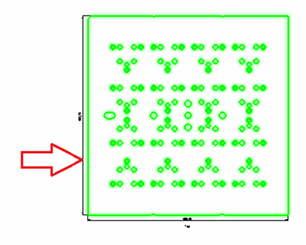
Section Line as Sketcher
Section Line as Sketcher Step 1
An option on the Section Line dialog allows the generation of the section line using the Sketcher tool. This provides a much easier way to create and edit complex section lines. It also allows adding dimensions to control distances and angles.
- Click Section Line:
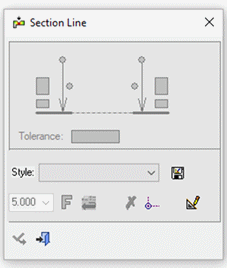
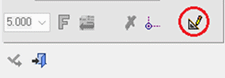
- Click the Sketcher icon in the Section Line dialog to enter Sketcher mode.
- Select the view to use for the section: