Assembly Environment - Sets
Sets Tabs
-
Unpack the clip mold Assembly.ctf file located in the following folder:
\\Cimatron_Documents\Tutorials\Cimatron_2025.0_Workfiles\Design -
Select the clip mold-md.elt assembly document.
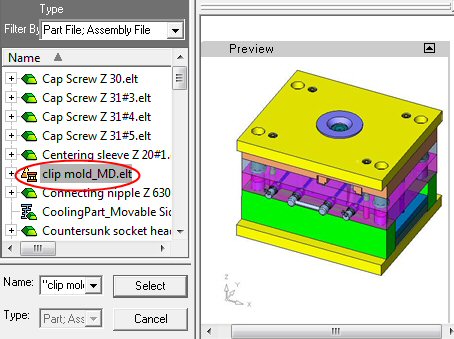
-
Select a location on your computer where you would like the mold stored.
-
When the Unpack operation has been completed, click OKOK in the dialog and open the clip mold assembly from the Cimatron Explorer.

-
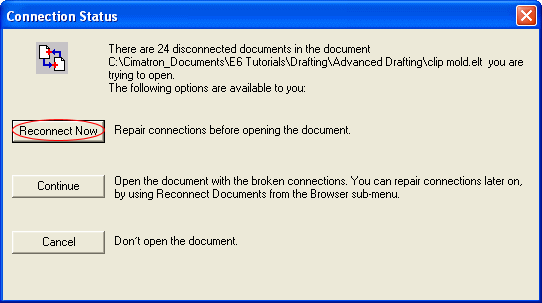
In the Connection Status dialog, click Continue.
Notice the location of the Sets and M-View tabs.
The Sets tab is available in the Assembly tree and in the Features tree (which shows assembly operations).The Sets created in the Assembly tree are relevant ONLY to the MAIN ASSEMBLY.
The M-View tab is available only in the Features tree. The tab will display M-Views depending on which component is active in the assembly.
The M-Views created when a part is active are relevant to the part AND to the entire assembly.
