|
|
Shank and Holder Advanced Step 9
-
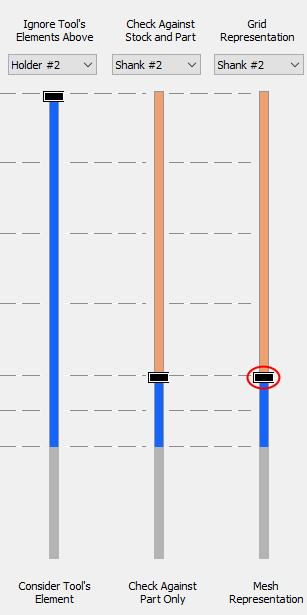
Set the third slider back to Shank#2 as shown below:
-
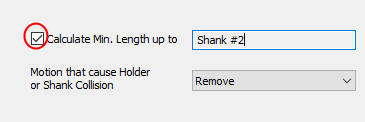
Mark the Calculate Min. Length Up To the Shank #2 option. Note that whatever is written as value, depends on the setting of the third slider.
-
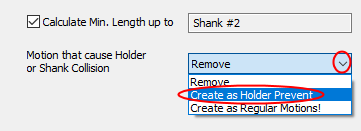
Open the Motion That Cause Holder or Shank Collision dropdown menu. There are three options that tell the system what to do when collision is detected.
-
Select the option Create as Holder Prevent. The system will calculate unmachined areas and display them in GRAY.
-
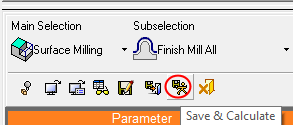
Save & calculate the procedure.