Blank and Electrode UCS
Size
-
Set the blank wire bodies properties as shown in the following image.
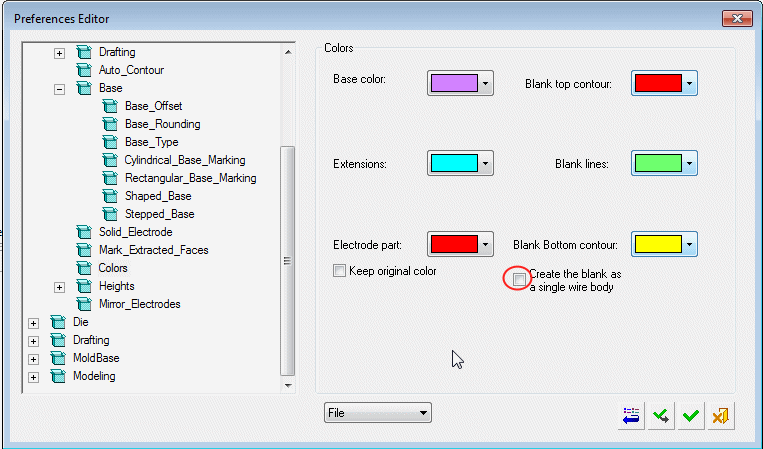
-
Click Electrode Guide > Blank.
-
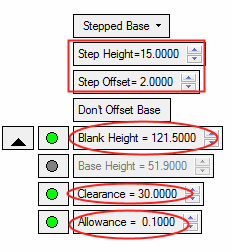
Change the Blank Height to 121.5.
You may need to set other parameters such as the Allowance to be grayed out to enable the Blank Height option. Click the GREEN button next to the Allowance parameter.
-
Set the Clearance to 30.
-
Click OK in the Feature Guide to complete the operation.
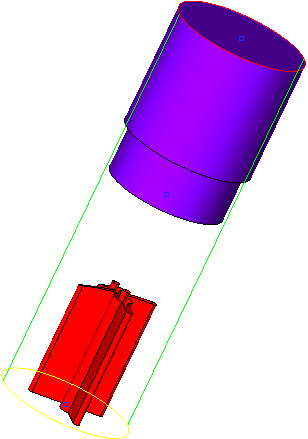
-
Toggle the Free Blank Size option to Use Blank Library and click on Edit Parameters.
-
Select the highlighted blank from the library:
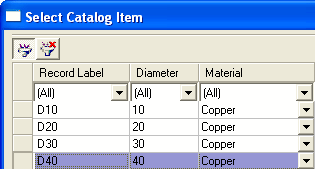
-
Change the Base type to Stepped Base and set the parameters as shown.
Click the arrow to the right of the Blank Height option, click the green button next to Base Height to make it unavailable, and set the Allowance to 0.1.