Sketch
Create Sketch
-
Unpack the file MD_runner.ctf
-
Open the assembly MD_MD.elt file.
-
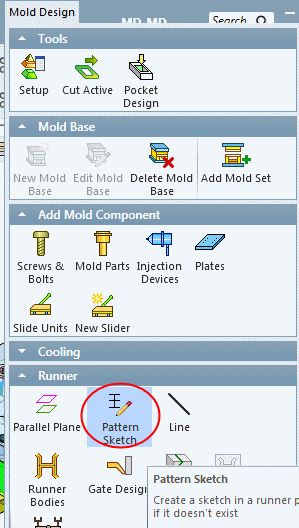
From the Mold Design menu, click Runner > Pattern SketchPattern Sketch.
-
Select the plane as indicated in the image below:
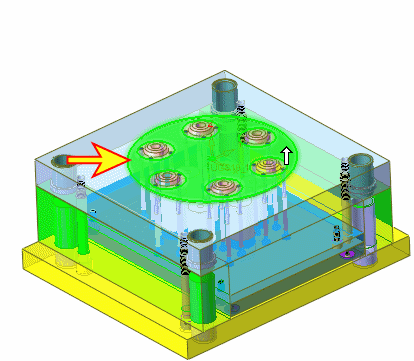
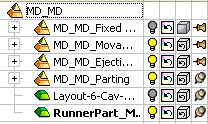
The Runner part has been created under the main assembly and is automatically activated.
-
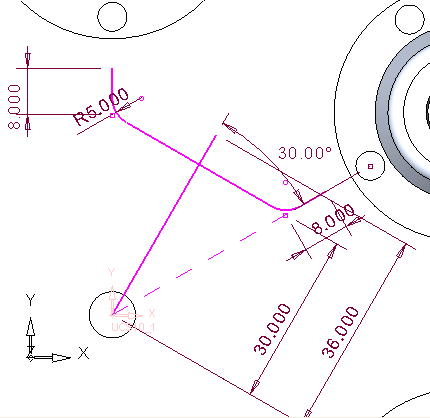
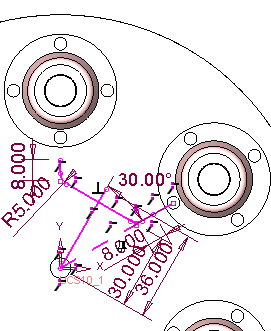
Create the following sketch.