|
|
Smooth Chain Selection
-
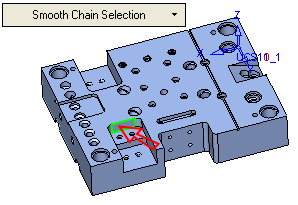
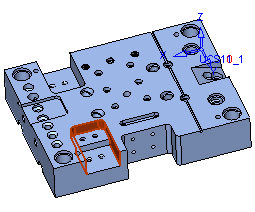
Toggle the Selection option to Expand to SmoothExpand to Smooth and then pick the face as indicated by the arrow. The adjacent faces are selected.

-
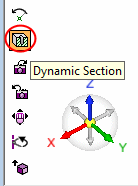
Select the Dynamic SectionDynamic Section icon.
-
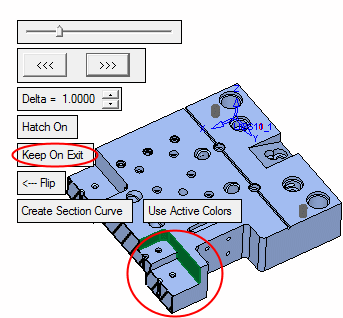
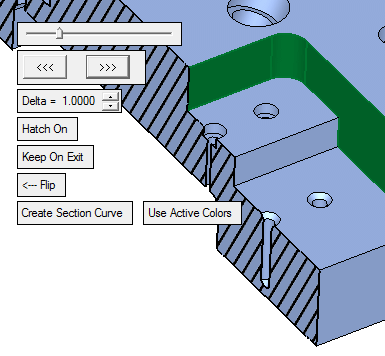
Set the section as shown in the picture.
-
Ensure the Keep on Exit option is selected. Exit the Dynamic Section dialog.