Step 9 - Create Stocks in the Cavity Inserts
-
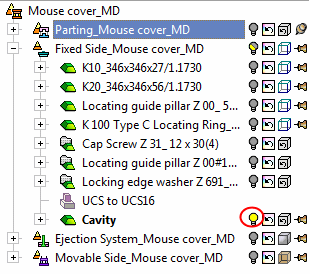
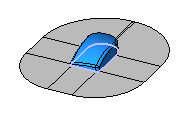
Activate the Cavity part in the Fixed Side assembly (display it in shade mode).
-
Enter the SketcherSketcher
 .
.
ExitExit to automatically pick the XY plane as the Sketcher plane. -
Sketch a boxbox and set the dimensions as follows:
The 75 and 80 dimensions are measured from the UCS point to their respective edges.

-
Right-click and select OK.
Display K20 in the assembly tree to evaluate the required size of the stock. -
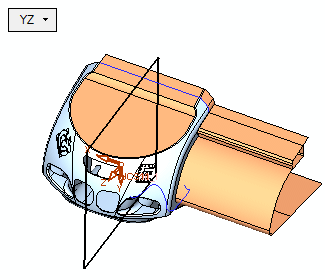
Switch to Right view.
From the menu, select the option, ExtrudeExtrude.
The previously created sketch is already selected. Set the following parameters:
-
Click OK.


