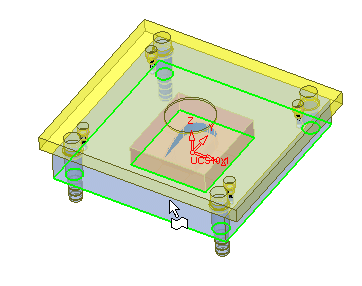
Step 13 - Cooling Design
Perform the following steps to create a cooling channel.
Activate the sub-assembly that the cooling system passes through.
-
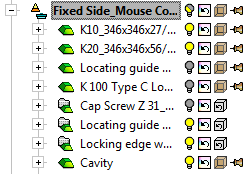
With the Fixed Side activated, set the display as follows:
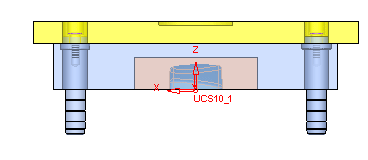
A plane will now be defined for the cooling sketch. -
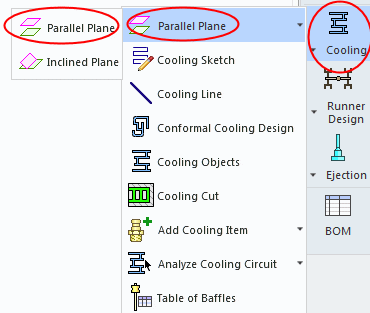
Select Cooling Design > Parallel Plane > Parallel Plane.
-
Change to ISO view and pick the lower face of plate K20.