Step 12 - Add Mold Components
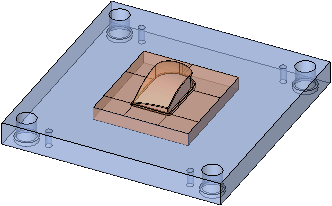
We will now add screws to the Movable Side (Connecting the core insert to plate K20).
-
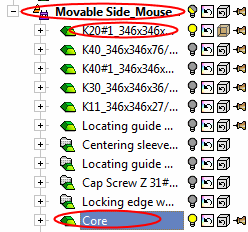
Activate the Movable Side and set the display as follows:
-
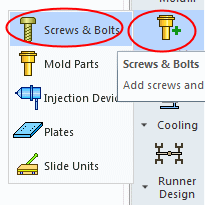
From the MoldDesign Guide, click the icon Add Mold Comp > Screws & Bolts.
-
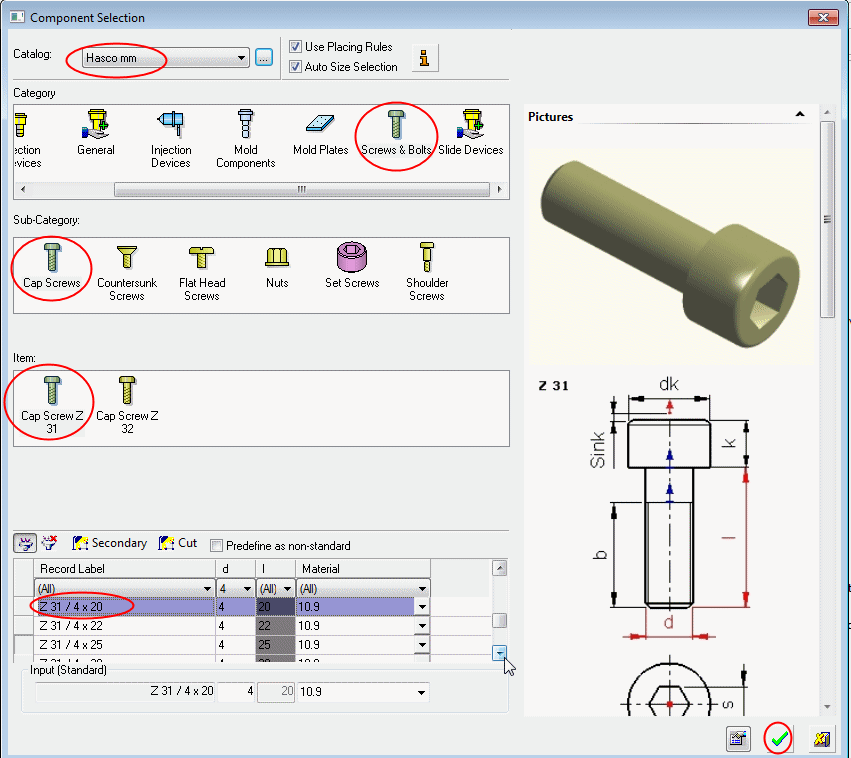
From the HASCO mm catalog, select Cap Screw > Cap Screw Z 31.
-
From the catalog list, select the Z31 / 4 x 20 Cap Screw and click OK.
Click the Data button  to view the Parameter Table.